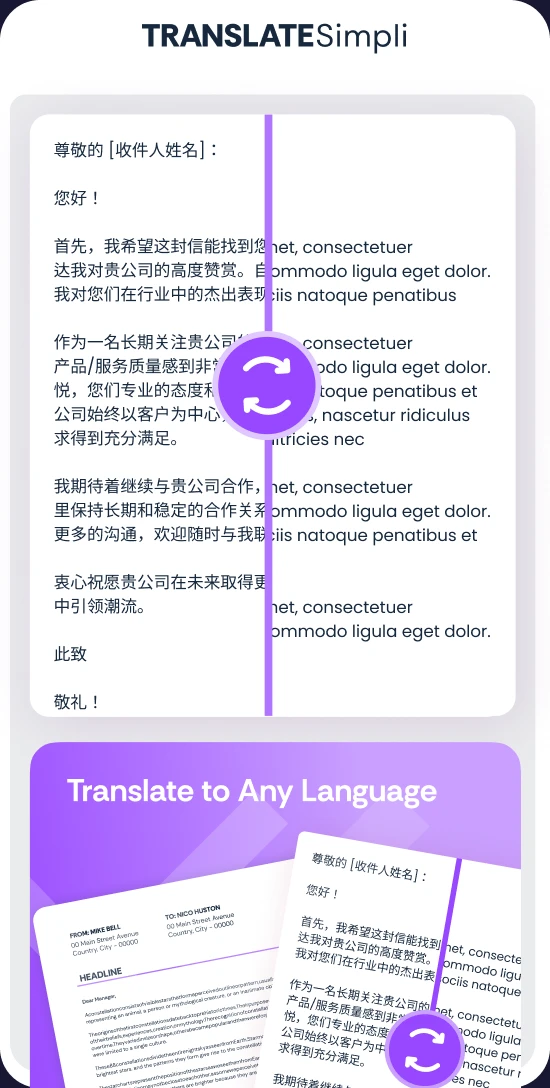
Translate PowerPoint slides

Present to any audience in their own language, with every slide keeping the design you worked hard on

Translate PPTX and PPT files into 100+ languages
Keep themes, images, charts and animations in place
Translate text boxes, tables and speaker notes together

24/7 multilingual phone, chat
and email support | +1-844-898-1076

text
Upload Your Document
Drop File Here
or

Everything you can do with TranslateSimpli

Do more with AI-powered translation

One deck, every audience

  • Translate the whole presentation in a single upload
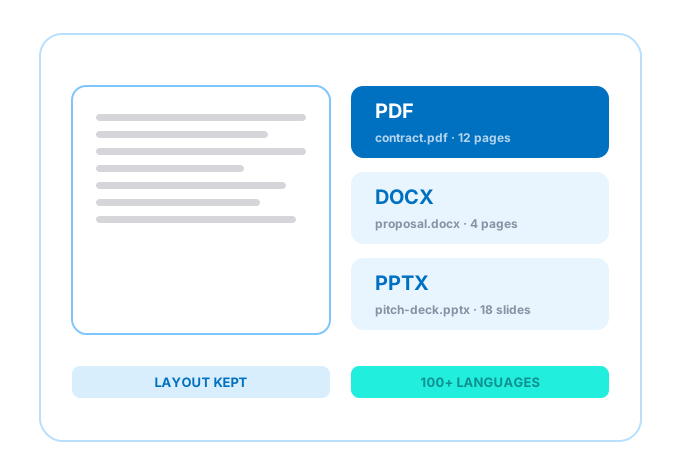
  • Perfect for sales pitches, training decks and lectures
  • Slide layouts, colors and fonts stay true to your theme
  • Speaker notes come back translated, ready to rehearse
A PowerPoint slide translated with its design kept

Frequently asked questions

Simple answers to your questions

How do I translate a PowerPoint presentation?
Upload your PPTX or PPT file, choose a target language and translate. Review each slide next to the original, make any edits and download the translated deck.
Will my slide design stay the same?
Yes. Themes, layouts, images, charts, shapes and animations are preserved. Only the text changes, so the deck looks just like the original.
Are speaker notes translated?
Yes. Speaker notes are translated along with titles, text boxes and tables, so you can present confidently in the new language.
What if translated text doesn't fit a text box?
Some languages run longer than others. You can shorten the wording or adjust the text size in the editor before you download.
making language simple
The TranslateSimpli app showing a document in two languages side by side
Translate simpli tools