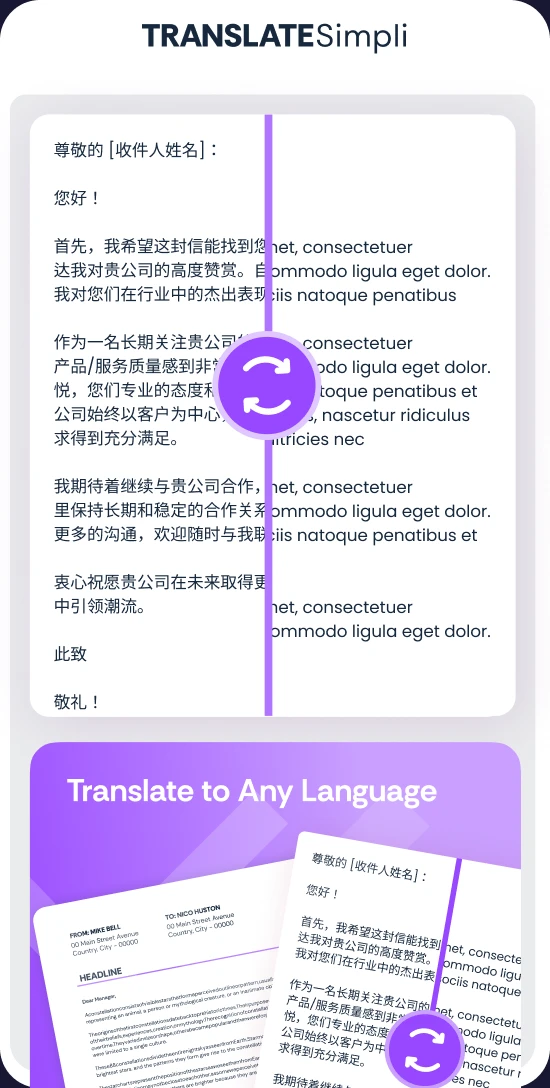
Translate documents and text

Turn PDFs, Word files, spreadsheets and slides into 100+ languages, with the original layout kept intact

Translate whole documents in seconds, not one paragraph at a time
Keep fonts, tables, images and page layout exactly where they were
Preview side by side, edit the wording and download when ready

24/7 multilingual phone, chat
and email support | +1-844-898-1076

text
Upload Your Document
Drop a Document Here
or

Everything you can do with TranslateSimpli

How TranslateSimpli works in 3 easy steps

Upload a PDF, Word, Excel or PowerPoint file, or paste your text directly into the translator
Pick from 100+ languages and AI translates every page, keeping your fonts, tables and layout in place
Preview the original and translation side by side, make any edits, then download or share your file

Do more with AI-powered translation

Read any document in your language

  • Translate full files without breaking the layout
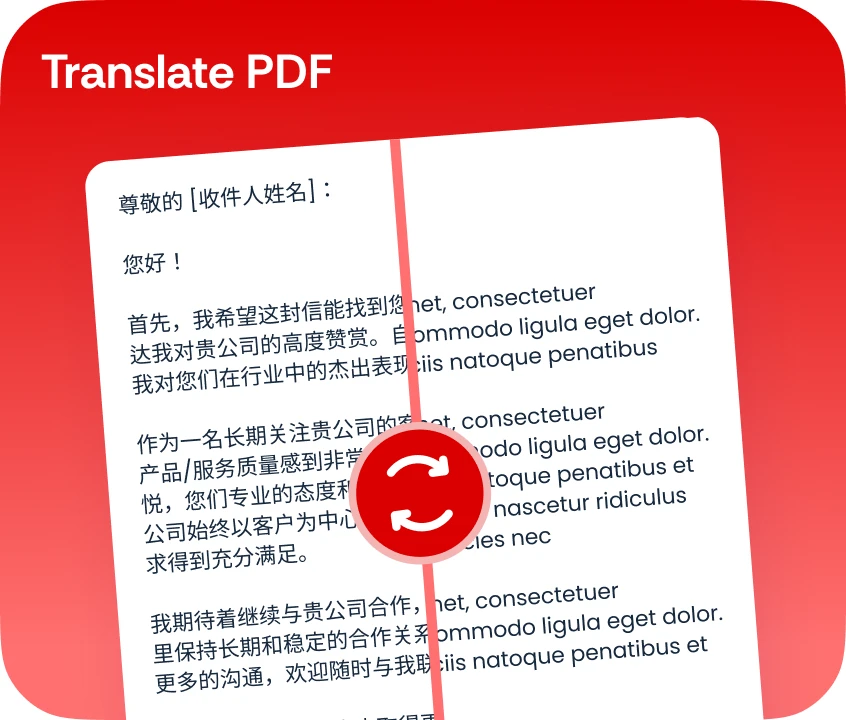
  • Perfect for contracts, reports, manuals, menus and coursework
  • Natural, context-aware wording instead of word-for-word swaps
  • Compare the original and the translation side by side
A document shown side by side in English and its Spanish translation

Frequently asked questions

Simple answers to your questions

What can TranslateSimpli translate?
TranslateSimpli translates PDF, Word, Excel and PowerPoint files, as well as text you paste in directly. Documents come back in the same format, with their layout and formatting preserved.
How many languages are supported?
You can translate between more than 100 languages, including English, Spanish, German, French, Japanese, Portuguese, Chinese, Arabic and many more.
Will my document keep its formatting?
Yes. Fonts, headings, tables, images and page layout stay in place, so the translated file looks like the original. Very long translations may shift some line breaks, which you can adjust in the editor.
Can I edit the translation before downloading?
Yes. Preview the original and translated versions side by side, refine any wording, names or terms, then download the finished file.
Making translation simple
The TranslateSimpli app showing a document in two languages side by side
Translate simpli tools