Upload a PDF and get it back in another language, with every page looking the way it did before
Translate multi-page PDFs into 100+ languages at once
Keep fonts, columns, tables and images in their place
No copying and pasting text out of your PDF ever again
24/7 multilingual phone, chat and email support | +1-844-898-1076
text
Upload Your Document
Drop File Here
or
Processing document
PLEASE WAIT
while the engine does the work for you
Everything you can do with TranslateSimpli
Do more with AI-powered translation
Translate the whole PDF, not just the text
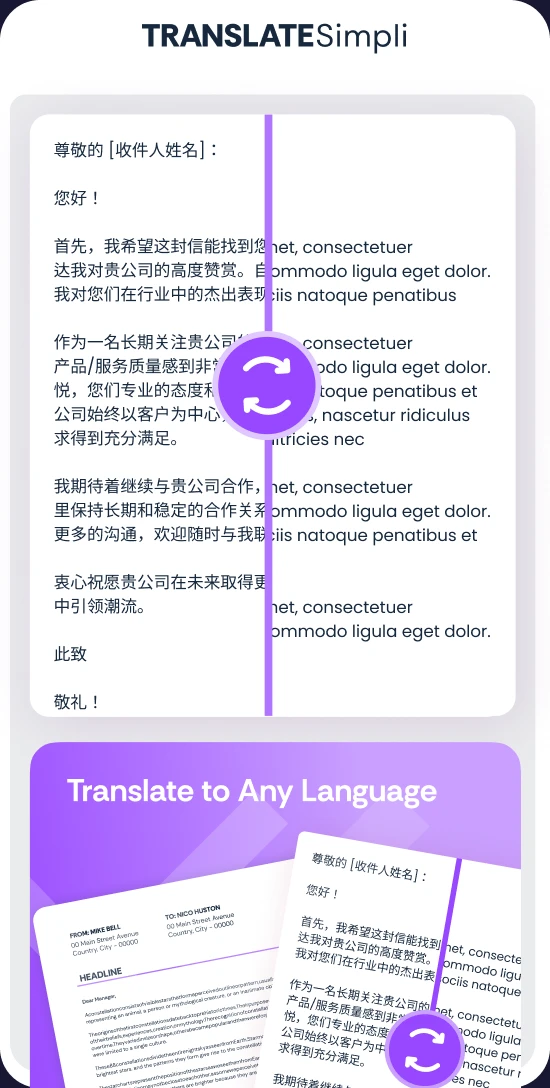
Your layout stays put while the language changes
Ideal for brochures, reports, research papers and statements
Multi-column pages and tables stay lined up
Compare each translated page with the original
Frequently asked questions
Simple answers to your questions
How do I translate a PDF?
Upload your PDF, choose the language you want and start the translation. When it is done, preview the translated pages next to the original, make any edits and download.
Will the translated PDF keep its layout?
Yes. Text is replaced in place, so fonts, columns, tables, images and page breaks stay where they were. Longer languages may need a small tweak to a tight line.
Can I translate a scanned PDF?
Scanned PDFs are images of text, so they need clear, readable pages for the text to be recognized first. Results are best with sharp, high-quality scans.
Can I download the translation as a Word file?
Yes. You can download the translated document as a PDF or as an editable Word file if you want to keep working on it.
Is my PDF kept private?
Files are encrypted in transit and automatically deleted after 2 hours, so your documents are not stored.



 Ideal for brochures, reports, research papers and statements