Upload a DOCX file and download a translated Word document that is still fully editable
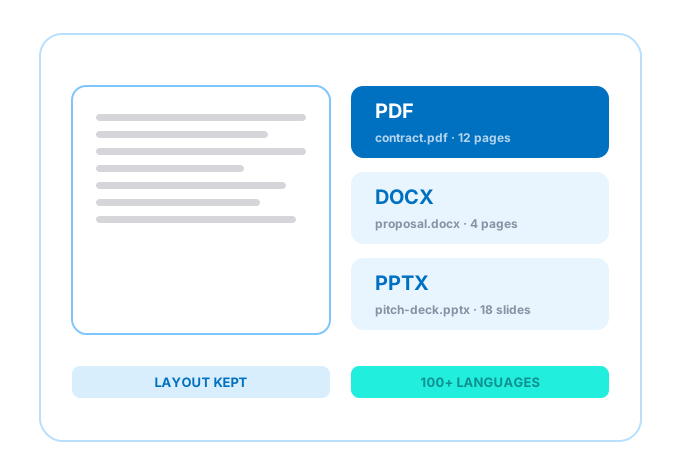
Translate DOCX and DOC files into 100+ languages
Keep headings, styles, lists and tables exactly as they were
Download an editable Word file, ready to keep working on
24/7 multilingual phone, chat and email support | +1-844-898-1076
text
Upload Your Document
Drop File Here
or
Processing document
PLEASE WAIT
while the engine does the work for you
Everything you can do with TranslateSimpli
Do more with AI-powered translation
Word in, Word out
Translate without rebuilding your document
Perfect for resumes, policies, essays and business letters
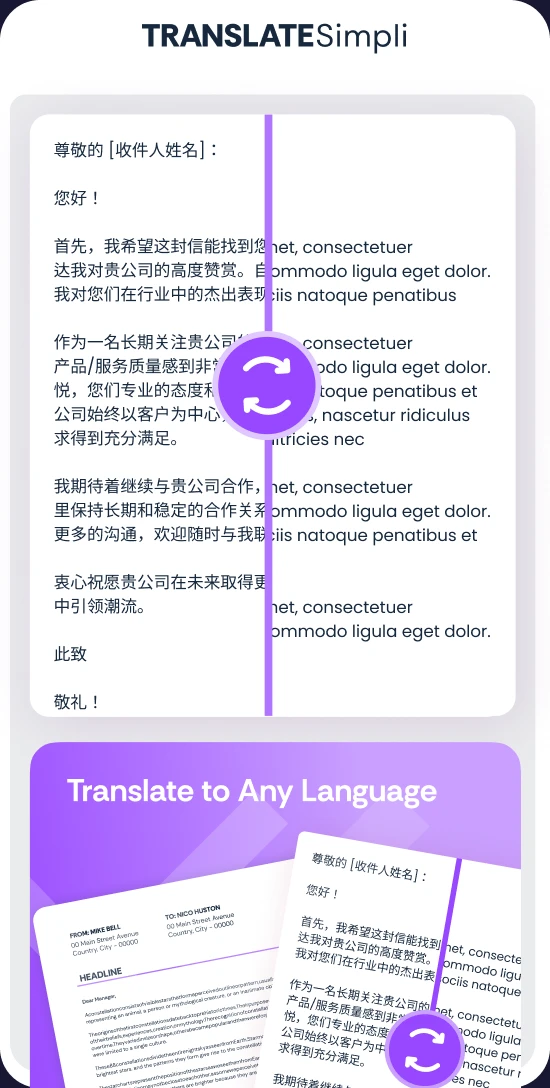
Headers, footers, footnotes and numbered lists stay in place
Your styles and fonts carry over to the translation
Frequently asked questions
Simple answers to your questions
How do I translate a Word document?
Upload your DOCX or DOC file, choose a target language and translate. Preview it beside the original, edit if needed and download a translated Word file.
Will my Word formatting be preserved?
Yes. Headings, paragraph styles, bullet lists, tables, images, headers and footers are kept, so the translated document matches the original.
Is the translated file still editable?
Yes. You get a regular Word document you can open and keep editing in Microsoft Word, Google Docs or any compatible app.
Are comments and tracked changes translated?
The main body text, tables, headers and footers are translated. For best results, accept or remove tracked changes before uploading.
Can I translate older .doc files?
Yes. Both .docx and older .doc files are supported, and you can download the result as a modern DOCX file.



 Perfect for resumes, policies, essays and business letters